The NIIMBOT D110 is a small thermal label maker built around Bluetooth phone printing and flexible label design.
This NIIMBOT D110 Label Maker review looks at how its app-based workflow and monochrome output fit home, school, and office organizing.
NIIMBOT D110 Review Summary
The quick verdict
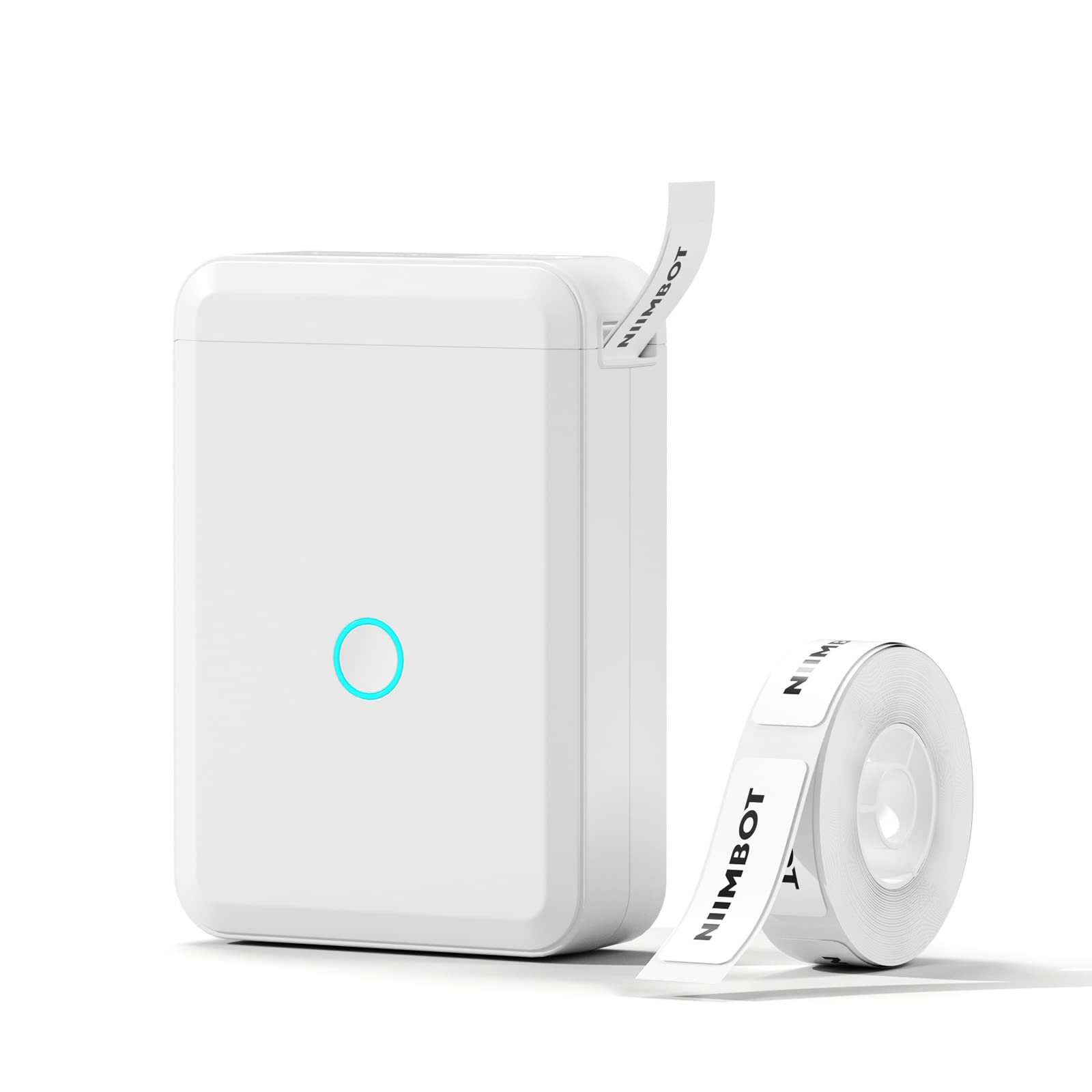
8,000+ ratings
Read Amazon ReviewsNIIMBOT D110 Label Maker
A compact rechargeable label maker for home, school, and light office organization, especially if you’re happy designing labels on a phone.
- Thermal printing requires no ink or toner; output is monochrome black text.
- Bluetooth connection pairs the printer with iOS and Android phones through the NIIMBOT app.
- The app offers more than 1,000 symbols, over 60 frames, and multiple fonts, with tools for text, images, tables, barcodes, QR codes, timestamps, and Excel imports.
- A built-in RFID chip is designed to recognize the loaded label type automatically.

Pros
- Small, rechargeable format makes it easier to move between organizing tasks.
- Thermal printing avoids the need to buy ink or toner.
Consider before buying
- Printing and design are tied to an iOS or Android phone; laptop use is not supported.
- The printer produces black text only, so color comes from the label material rather than the print itself.
Read the full review summary
The D110’s appeal is its compact, rechargeable format paired with an app that can create text, symbols, frames, barcodes, QR codes, and other designs.
Thermal printing means it does not need ink or toner, while the built-in RFID chip is intended to recognize compatible loaded labels automatically.
It suits people who want to make small identification labels for jars, supplies, files, cables, or personal items, and who prefer editing on an iOS or Android phone.
Its main constraints are the phone-only workflow and black-text output, so it is best considered for everyday organization rather than buyers who need computer-based printing or color output.
The buying factors
NIIMBOT D110 Scorecard
Editorial scores reflect listed features and buyer fit; they are not laboratory measurements or customer ratings.
Portability
The design is described as compact and lightweight, with a rechargeable battery for use away from a fixed power source.
Label design flexibility
The app supports a broad mix of fonts, frames, symbols, images, barcodes, QR codes, and other design tools.
Setup simplicity
The phone workflow is presented as a three-step process, and RFID label recognition may reduce manual setup for compatible labels.
Device compatibility
Bluetooth support for iOS and Android phones makes mobile use straightforward, but the D110 is not described as working with laptops or tablets.
Print versatility
It can handle different label styles and sizes, but output is monochrome black text.
Everyday organization fit
The suggested uses cover common household, school, and office labeling tasks, plus small-business tags.
Key Features and Specifications of NIIMBOT D110
- Thermal printing requires no ink or toner; output is monochrome black text.
- Bluetooth connection pairs the printer with iOS and Android phones through the NIIMBOT app.
- The app offers more than 1,000 symbols, over 60 frames, and multiple fonts, with tools for text, images, tables, barcodes, QR codes, timestamps, and Excel imports.
- A built-in RFID chip is designed to recognize the loaded label type automatically.
- The printer is rechargeable and portable, with a compact design for use around the home, school, or office.
- The description gives a 203 DPI resolution and says the printer supports a variety of label sizes and styles, including clear, colorful, round, and gift labels.
Pros and Cons of NIIMBOT D110
Pros
- Small, rechargeable format makes it easier to move between organizing tasks.
- Thermal printing avoids the need to buy ink or toner.
- The app offers varied design tools for labels that go beyond plain text.
- Automatic recognition is intended to simplify choosing a compatible label format.
Consider before buying
- Printing and design are tied to an iOS or Android phone; laptop use is not supported.
- The printer produces black text only, so color comes from the label material rather than the print itself.
- The description recommends NIIMBOT thermal label paper; check the label formats available for the tasks you plan to do.
Who Should Buy NIIMBOT D110?
Good fit
Consider the D110 if you want a portable way to make labels for kitchen storage, dates, cosmetics, school supplies, files, cables, or personal belongings.
The app’s symbols, frames, and barcode and QR tools could also be useful for small-business tags where compact monochrome labels are appropriate.
It is a particularly good fit if you already reach for your phone to create and edit small labels.
Rechargeable operation and thermal printing keep the setup self-contained, while RFID recognition is intended to make switching among compatible label types less fiddly.
Before choosing it, map your normal workflow: confirm that the label sizes and styles you need are available, and that you are comfortable creating each design in the NIIMBOT phone app.
Who should skip it
Skip it if your normal labeling workflow depends on printing from a laptop or desktop. The D110 is described for phone use and is not compatible with laptops.
Look elsewhere if your labels need colored printed text or graphics; this model’s print output is black only.
How the NIIMBOT D110 Fits Everyday Labeling
A phone-first design workflow
The D110 places label creation in the NIIMBOT app, where the listed tools range from basic text and fonts to frames, symbols, images, barcodes, QR codes, and Excel imports.
That makes the design side more flexible than a basic text-only workflow, but it also means the phone is central to printing.
Buyers who organize documents on a computer should make sure a phone-centered process feels convenient before choosing it.
Thermal output and label choice
Thermal printing removes ink and toner from the routine, but the printed content remains monochrome black.
The description lists clear, colorful, cute gift, and round labels among the supported styles, so the label stock can shape the look while the text stays black.
Check that the available label types and dimensions match your surfaces and intended use.
RFID recognition and switching formats
The built-in RFID chip is designed to identify the label placed in the printer, which may simplify setup when moving among compatible supplies. That convenience depends on using label formats the D110 supports.
If you expect to switch frequently, confirm the label range you need before settling on a supply routine.
Where its size makes sense
A compact rechargeable machine is suited to moving around the home or taking to school or an office. The suggested applications—storage jars, dates, school items, files, cables, and personal belongings—are mostly small organization jobs.
For recurring business labels, think about both the size of the labels you need and whether phone-based editing fits the way you work.
Alternatives to NIIMBOT D110
Label Makers alternative
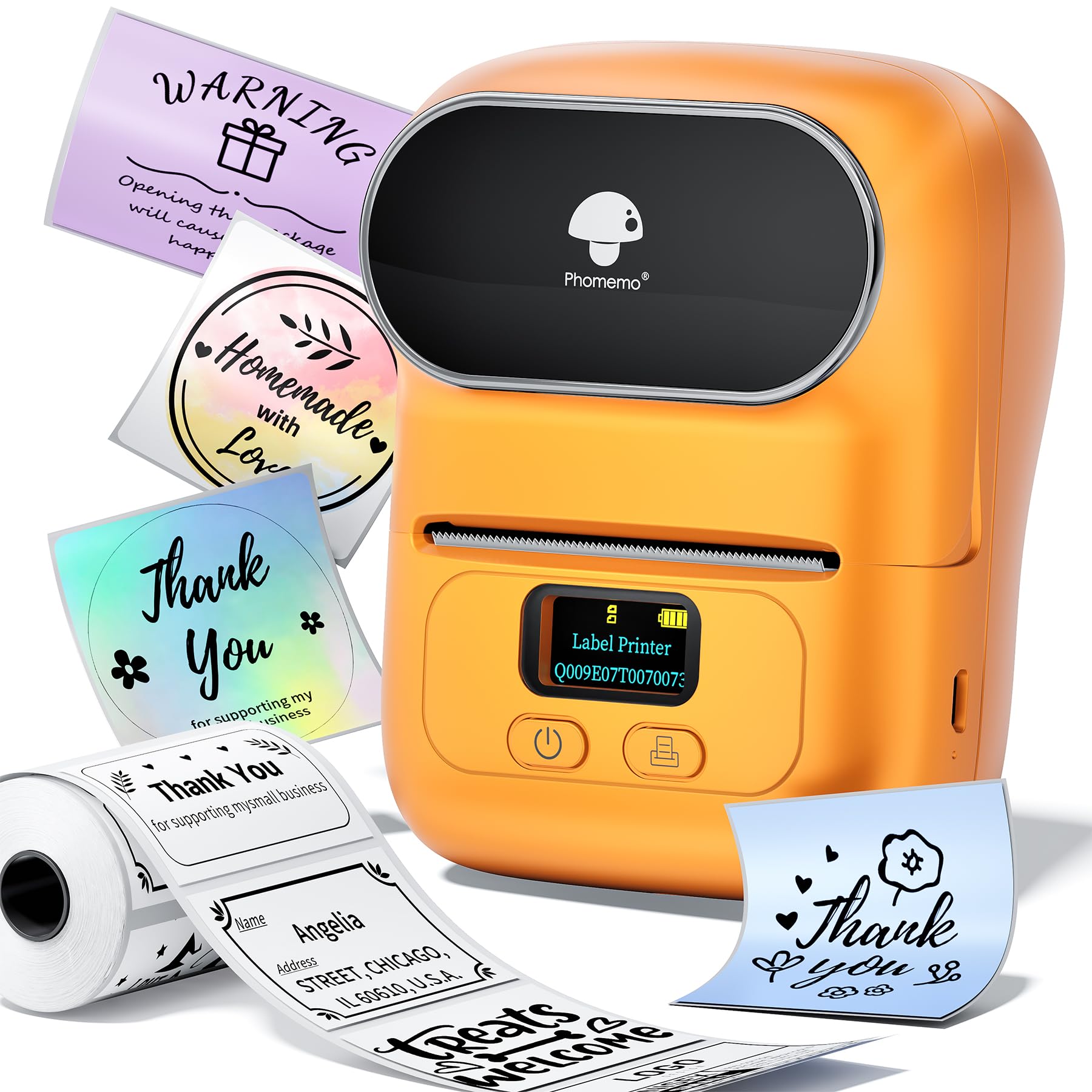
500+ ratings
Read Amazon ReviewsMemoqueen M110 Label Maker
Choose the D110 if its app features and automatic label recognition are the better fit for your phone-based organization routine.
Consider the M110 if its specified width range, included roll, or Excel batch-printing workflow better matches your small-business labeling needs.
- The Memoqueen M110 uses the Print Master app, supports label widths from 20 mm to 50 mm, and includes one 40 × 30 mm thermal label roll.
- Its listed tools include Excel batch printing and OCR, and it is described as not suitable for shipping labels.
- The NIIMBOT D110 is a compact Bluetooth label maker designed for phone-based editing, with automatic recognition of compatible labels and a wide set of app design tools.
Battery-focused alternative
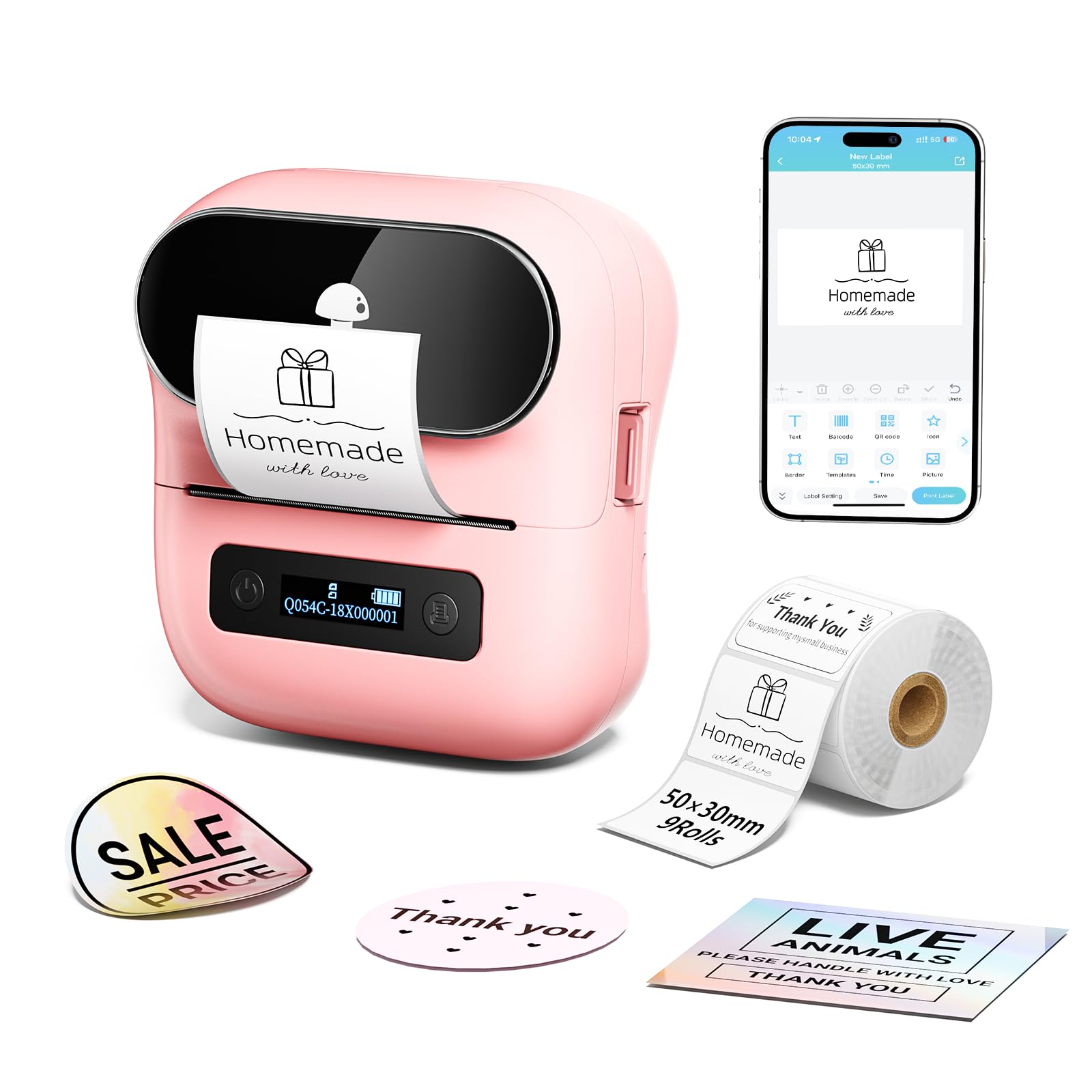
3,000+ ratings
Read Amazon ReviewsPhomemo M220 Label Maker
The M220 is a stronger fit if computer connectivity or wider labels are important to your workflow.
The D110 is worth considering when a smaller, phone-centered label maker better matches the task; compare the supported label formats you need before deciding.
- The Phomemo M220 supports iOS and Android through Bluetooth and computers through USB, with Windows, Mac, and Linux listed.
- It supports labels from 0.78 to 3.14 inches wide, plus a rechargeable battery and an app with templates, fonts, icons, OCR, and voice input.
- The NIIMBOT D110 is intended for phone printing and does not support laptop use.
Is NIIMBOT D110 Worth It?
The NIIMBOT D110 is worth considering for phone-first home, school, and light office organization. It pairs a compact rechargeable design with thermal printing, automatic recognition for compatible labels, and a flexible app for creating small monochrome labels.
Buy it if black-text output and phone-based editing suit your routine. If you need computer printing or color output, its design is a poor match; check label dimensions and formats against your planned uses before buying.
Your review at a glance
8,000+ ratings
Read Amazon ReviewsNIIMBOT D110 Label Maker
A compact rechargeable label maker for home, school, and light office organization, especially if you’re happy designing labels on a phone.
- Thermal printing requires no ink or toner; output is monochrome black text.
- Bluetooth connection pairs the printer with iOS and Android phones through the NIIMBOT app.
- The app offers more than 1,000 symbols, over 60 frames, and multiple fonts, with tools for text, images, tables, barcodes, QR codes, timestamps, and Excel imports.
- A built-in RFID chip is designed to recognize the loaded label type automatically.